

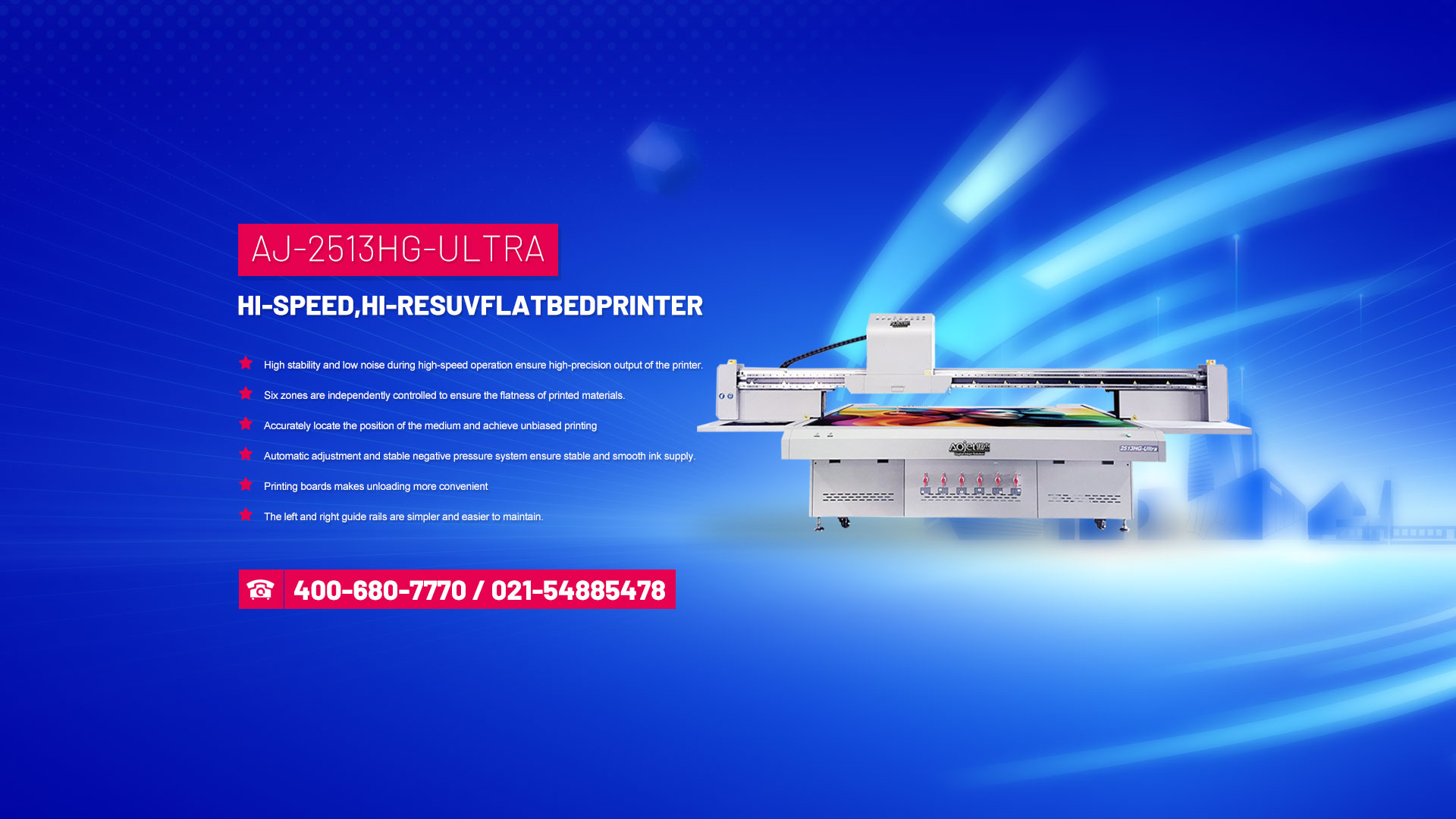







When moving the flatbed printer, be careful not to lift the printing platform and move it. To move the flatbed printer, lift the bottom of the machine and grip the casing with both hands.
When seeing a tablet printer for the first time, many customers say that the USB interface cable is difficult to plug in, but in fact, as long as the printing tablet is powered on and lowered a bit, it can be easily connected.
3. The method of adding ink to the flatbed printer. Generally speaking, there are only two types of ink supply methods for flatbed printers nowadays: independent ink cartridges and continuous ink supply systems. However, both ink supply systems have a similar set of working components, including ink cartridges, nozzles, cleaning units, ink guides, and waste ink bottles. When adding ink or when the ink tube is blocked, you can use a regular medical syringe to draw air from the bottom of the ink cartridge until ink enters the syringe, or you can draw ink from the ink guide tube on the mouth of the waste ink bottle.
4. Adjust the height of the flatbed printer. The commonly used flatbed printers in the market mainly use infrared to detect the height of objects. Before issuing printing instructions, the objects should be placed properly. If there is any unevenness on the surface of the printed item, it is necessary to adjust the height of the nozzle and the printed product before printing to avoid damaging the nozzle.
5. Eliminate static electricity. Generally, manufacturers nowadays do not pay attention to it. In fact, static electricity can sometimes cause great damage. You can connect an external wire to the metal case, and the external wire can be grounded.
6. How to spray a layer on printed products? Many people have reported that their coating is not good. The purpose of the coating is to absorb ink and form an image. Therefore, when spraying the layer, just spray one layer or silk screen on the surface of the object that needs to be printed. A good coating does not need to be too thick and has good adhesion. Some manufacturers say that spraying a thicker coating will improve adhesion, but this statement is not scientific and also increases costs.
7. If the printed image has stripes, there are generally two possible reasons for this: one is that the two items storing the data are dirty, and the other is that the nozzle has been hit or the nozzle is blocked.
8. When the nozzle drips ink, the printed products are mostly defective. There are also two possibilities for this situation: one is that the rubber ring of the cleaning unit is not sealed properly, and the other is that ink droplets accumulate at the bottom of the nozzle after it is hit. In the first scenario, replacing the rubber seal ring is sufficient. In the second scenario, you need to use a cotton ball to wipe the bottom of the nozzle.