

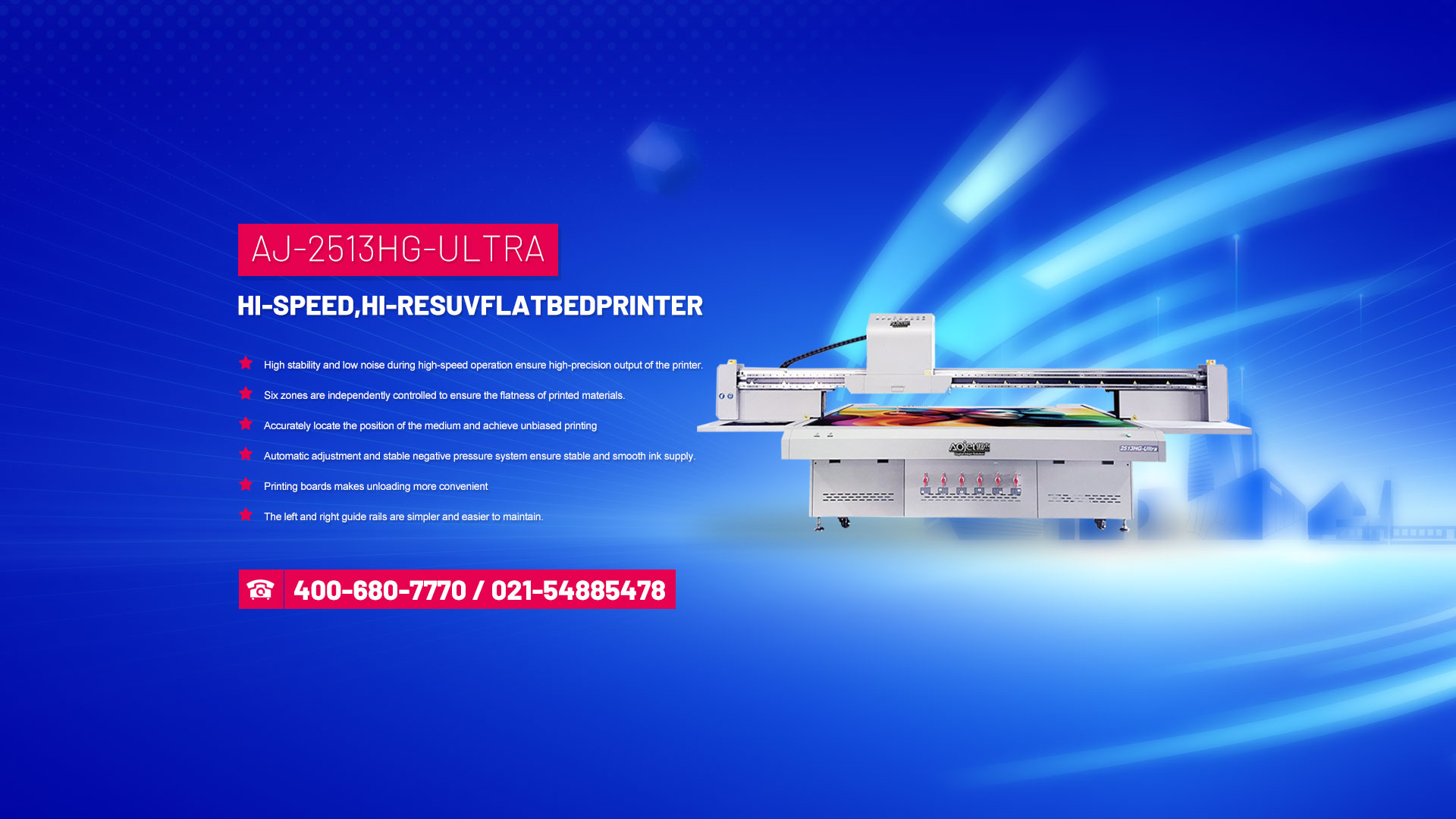







UV flatbed printers have been a popular digital printing product in recent years, mainly due to their ability to achieve high-precision relief printing, high-speed color printing with UV ink, UV light oil, and LED light sources that can dry and spray immediately. In addition, the important pillar of UV flatbed printers that can print perfect color patterns is a color management system in UV flatbed printers.
However, color management systems are not always easy to implement and must follow a series of prescribed processes to achieve the expected color effects. This requires us to have a good understanding of the core elements of color management systems, namely device calibration, characterization, and color conversion.
1. Equipment calibration
In order to ensure the stability, reliability, and sustainability of color information transmission, it is required to calibrate input devices, display devices, and output devices to ensure that they reach their optimal working state.
Input correction: It is to correct the brightness, contrast, and black and white field (RGB balance) of the input device. For example, a calibrated scanner should obtain the same image data for the same original document at any time of scanning.
Display calibration: enables the display card to accurately display colors on the monitor based on the color information of the image data.
Output calibration: The calibration of the control panel is based on the correct image of the monitor; The calibration of printing machines and proofing machines must ensure that the printing materials such as paper and ink used in the equipment meet the standards.
2. Equipment characterization
As mentioned earlier, one of the cores of color management work is to establish device files, which serve as a standard and bridge between two color spaces (PCS).
Simply put, the color management system transfers the data file to the color space of the feature file based on the input device's characteristic file, and then transfers the color information of the data file to the color space of the output device based on the output device's characteristic file (monitor, proofing machine), thereby ensuring the consistency of color reproduction in the workflow.
3. Color conversion
The third core of color management is the Color Conversion Module (CMM), which is used to interpret device feature files and convert color data of different devices based on the device colors described in the feature files.
A basic principle of color conversion is to ensure that the same color remains the same on different devices. To achieve this goal, there needs to be a device independent color system to measure colors on each device, and any device related color space can be represented in this color space. If different device related colors can all correspond to the same point in the color space that is not related to this device, then the conversion between them must be accurate. When performing color conversion, color data is first converted to PCS color values through device characteristic files, and then converted to color values of other devices as needed.